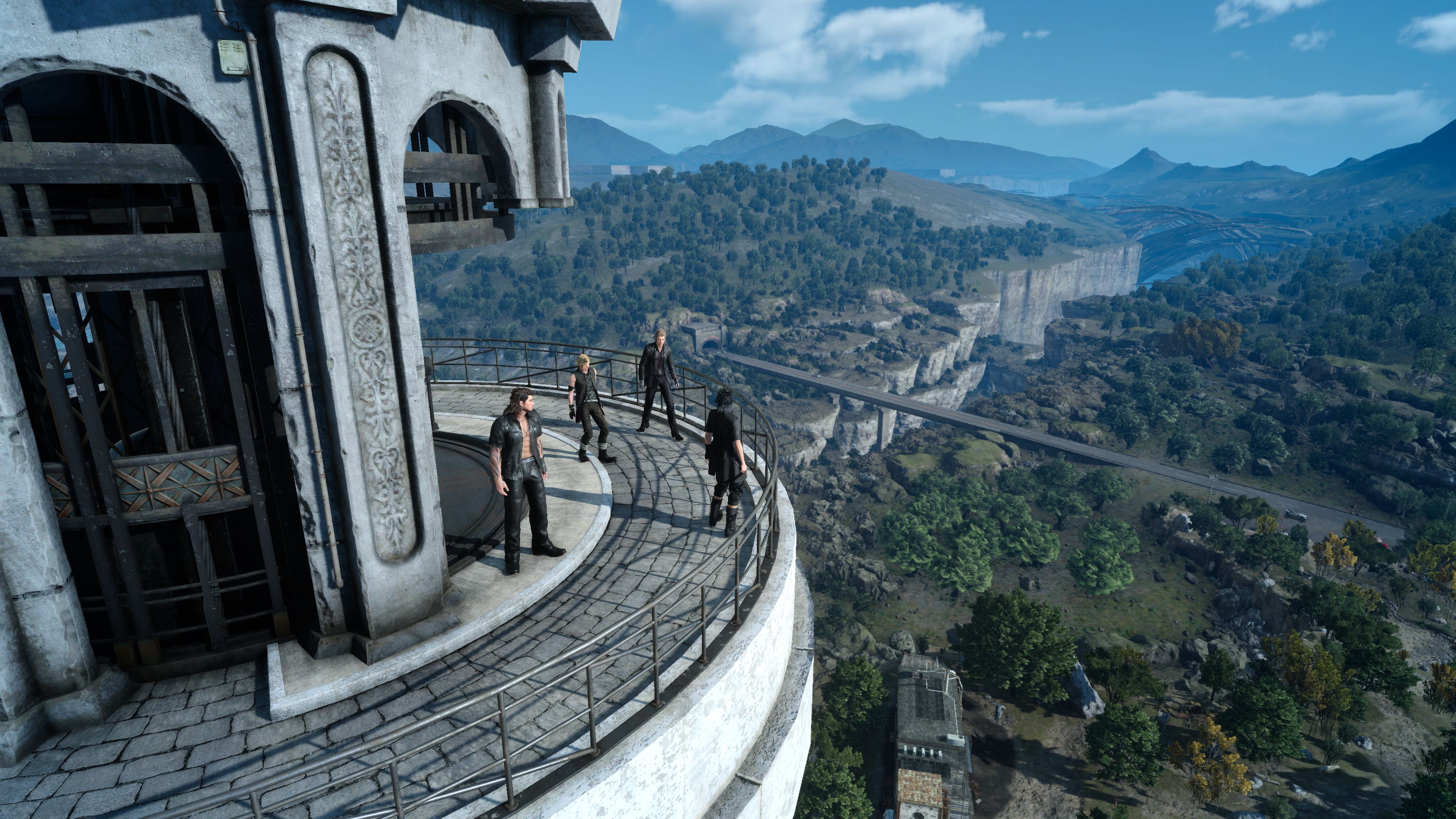
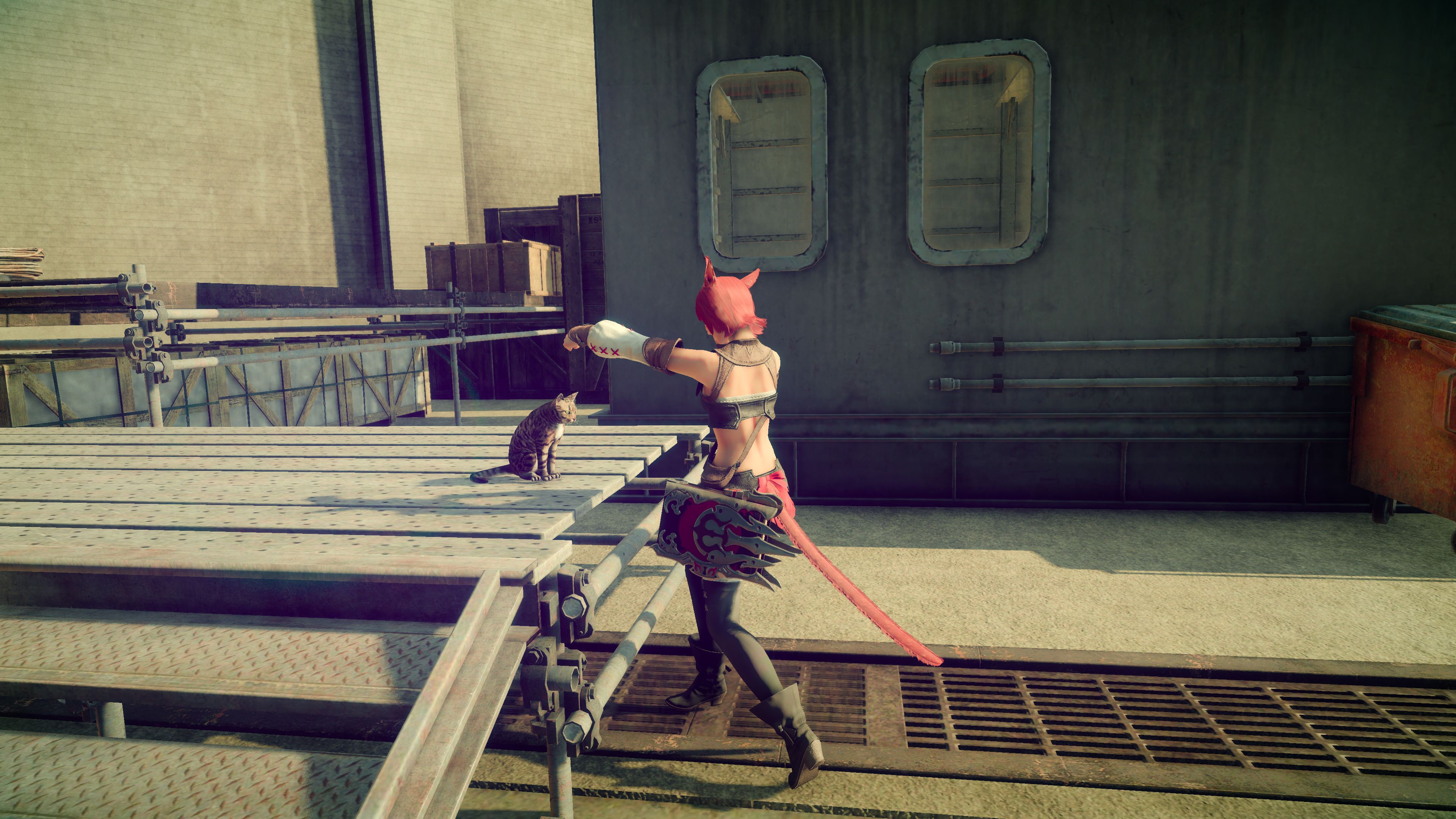
Exporting Final Fantasy XV Screenshots to JPG
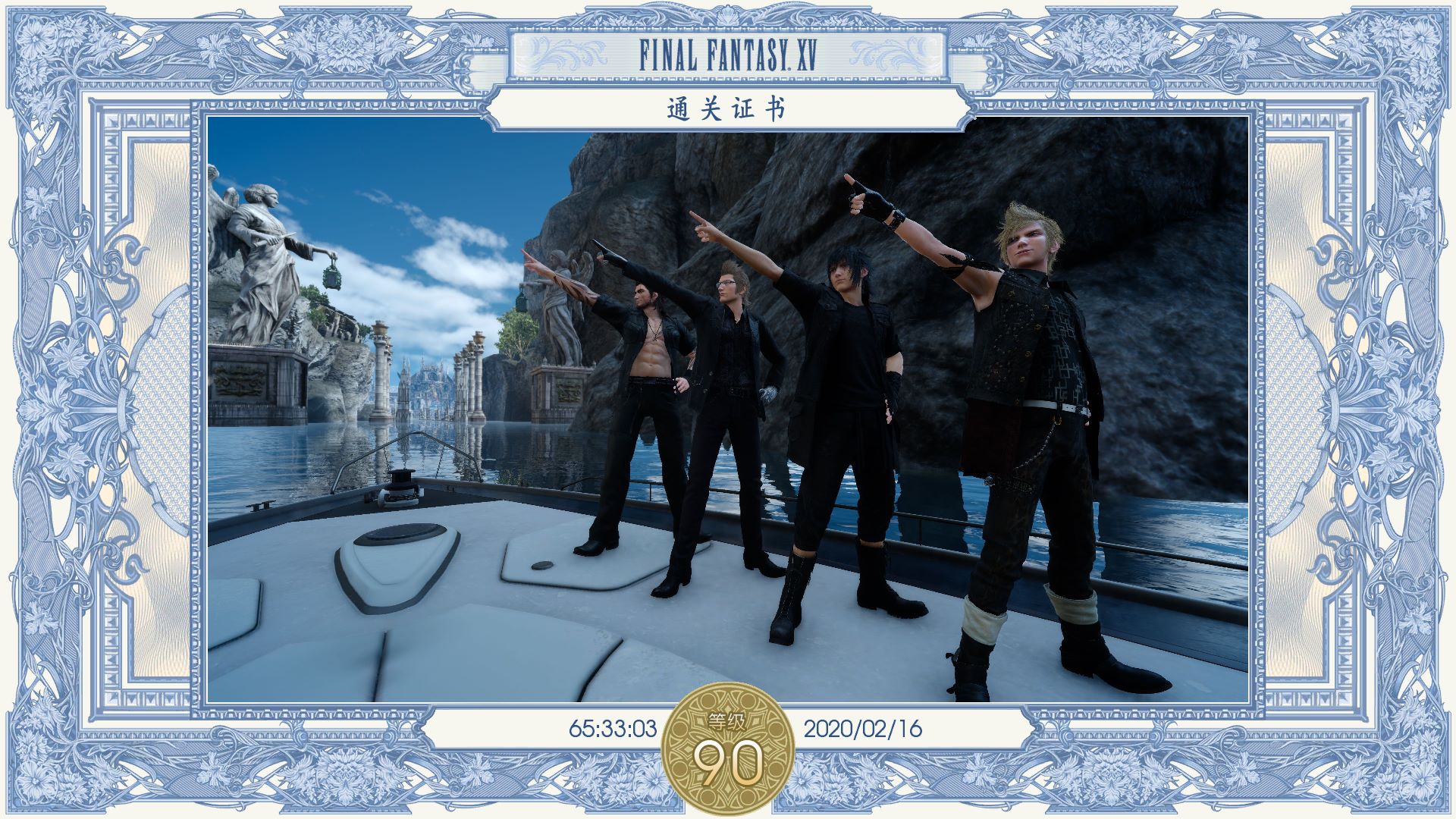
The photo feature in XV is quite interesting, better than taking screenshots manually and more immersive. However, the photos are not saved in a directly readable format.
By the way, FFXV is the most immersive Final Fantasy game, bar none. The only shame is that they clearly didn’t have time to create a second large map in the later stages.
Here is the method for batch exporting. First, the photos are located in the save directory:
C:\Users\xxx\Documents\My Games\FINAL FANTASY XV
Look for the ‘snapshot’ directory inside.
The photo files have a .ss extension, but they are actually JPEG format. However, additional information like the time and location the photo was taken is added to the file header.
This can be removed with code. Below is the Python conversion code:
import glob
files = glob.glob(r'C:\xxx\ff15\*.ss')
for fn in files:
    with open(fn, 'rb') as in_file:
        with open(fn + '.jpg', 'wb') as out_file:
            out_file.write(in_file.read()[0x24:])